The scams below are not predictions. Every one of them is circulating in New Zealand and Australia right now, and every one has been upgraded by AI in the past two years. What they share: the old visual tells are gone. What gives each away now is behaviour — what the message asks for, and how it handles verification.
Here are the seven your team needs to recognise, each with its modern tell.
1. The flawless phishing email
AI writes phishing emails with perfect grammar, correct local idiom, your real supplier's tone, and personalisation pulled from LinkedIn. The classic advice — look for spelling mistakes — is now actively counterproductive, because it teaches people that a well-written email is a safe email.
The tell: the ask, not the prose. Credential requests, payment changes, urgency plus secrecy, links to "verify your account." And the sender domain, inspected character by character — lookalike domains remain the workhorse. Full checklist: warning signs of phishing attacks.
2. Voice cloning — the boss on the phone
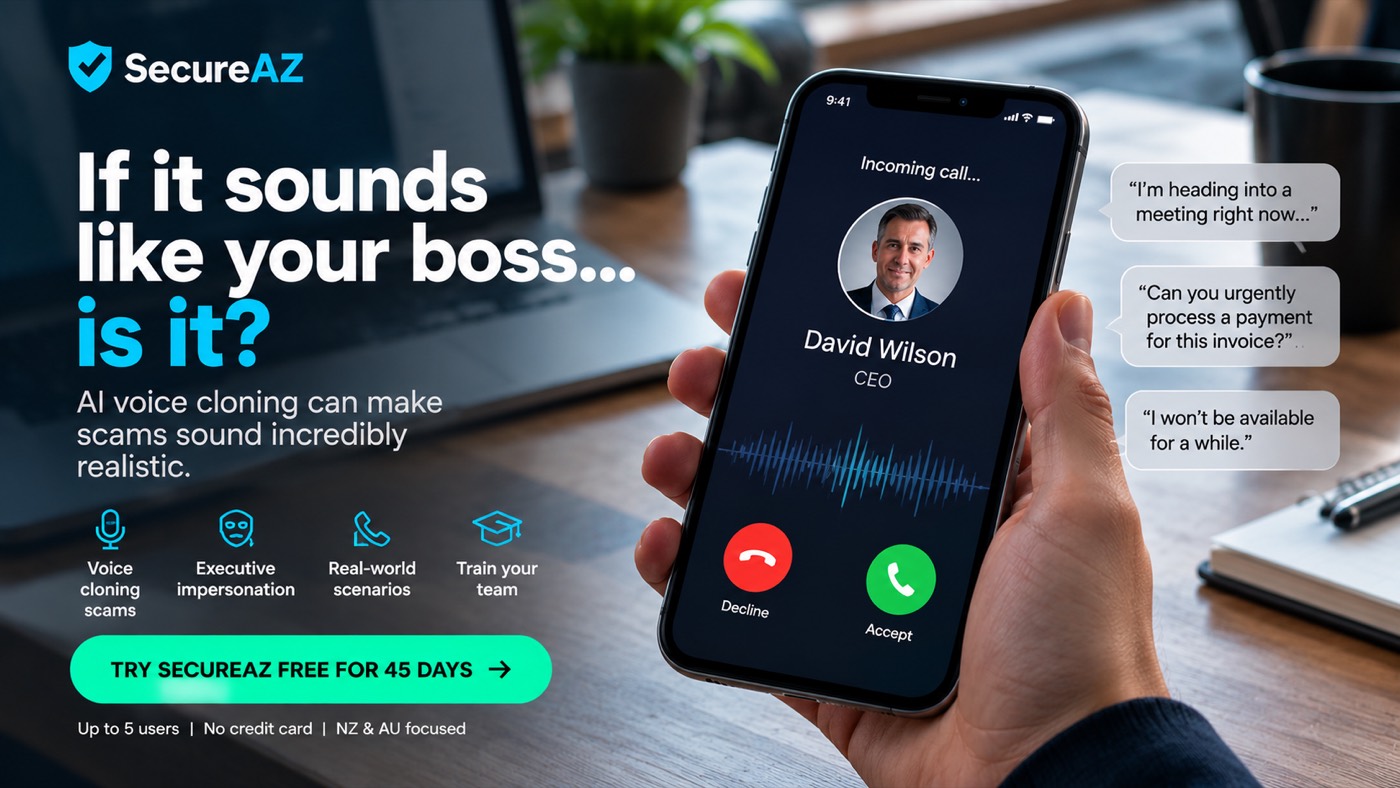
A few seconds of audio from a webinar, voicemail greeting or social clip is enough to clone a voice. Staff receive a call that sounds exactly like the CEO: heading into a meeting, urgent invoice, can you handle it quietly. It works because voice has been an identity check for a hundred years, and your team has never been told it stopped being one.
The tell: the channel plus the pressure. Any voice request involving money or credentials gets verified on a different channel you initiate — call them back on the number you already have. We covered NZ cases and defences in AI voice cloning and vishing scams.
3. CEO impersonation in chat — "can you urgently process this payment?"
The text version of the same attack: a Teams, Slack or SMS message from "the boss," often during known travel or meetings (attackers read out-of-office replies and LinkedIn activity). Short, plausible, urgent — and aimed at whoever can move money. This is business email compromise grown out of email; the money-moving mechanics are in our BEC breakdown.
The tell: payment instructions arriving over any channel without an agreed verification step. The fix is procedural, not technological: new or changed payment details are confirmed by phone on a known number, every time, no exceptions — including for the CEO. Especially for the CEO.
4. Deepfake video calls
The escalation nobody wants to believe: live video of a colleague or executive, good enough to run a meeting. Internationally, finance staff have transferred millions after video calls where every other participant was synthetic. Rare in NZ so far; cheap enough that it will not stay rare.
The tell: video calls that end in unusual payment or credential instructions get the same out-of-band verification as everything else. Seeing is no longer believing; process is believing.
5. The perfect fake login page
AI builds pixel-perfect Microsoft 365, Google and bank login pages in seconds, served from domains registered hours earlier — often delivered by QR code to dodge email filters, a technique we unpacked in QR code phishing (quishing).
The tell: the address bar, and only the address bar. Train the habit of reading the domain before typing a password — and back the humans with phishing-resistant MFA and a password manager that refuses to autofill on the wrong domain.
6. The fake recruiter
A polished approach about a well-paid role; a smooth interview process; then a "coding challenge" or "interview platform" to install — carrying malware. State-linked campaigns are running this against IT professionals right now, as the ACSC warned in September. Your most privileged staff are the targets precisely because they are confident they would never fall for phishing. Full briefing: the fake recruiter attack.
The tell: any recruitment process that requires running code or installing software. Read, never run — and never on a work machine.
7. The AI-personalised parcel, bank and IRD message
The spray-and-pray SMS got an upgrade: correct name, plausible courier, timing aligned to actual shopping patterns, and in tax season, convincing IRD refund lures — a perennial NZ favourite we documented in IRD smishing at tax time.
The tell: links in unexpected messages, full stop. The parcel can be checked in the courier's app; the refund can be checked at the real IRD site typed by hand. The organisation being impersonated never minds you going direct.
The pattern across all seven
Notice what changed and what did not. AI upgraded the COSTUME — language, voice, face, website. It did not change the ASK: credentials, payments, access, urgency, secrecy. Teams trained to judge messages by polish will fail; teams trained to judge by behaviour — and to verify out-of-band as a reflex — handle all seven with the same two habits.
That is trainable. It is exactly what we train, with NZ and AU scenarios rather than generic US content, and phishing simulations that measure whether the habits actually stuck — see how your team scores, free for 45 days. It is Cyber Smart Week: find the scam before it finds your team.